Pages

Friday, July 2, 2010

Ubuntu: A screencasting tool

Screenkey is a open source and screencasting tool. It is used for displaying the key presses. It is also used with recordmydesktop programme for tutorials.

Now download the link screenkey

Then go to Applications->accessories->screenkey

Now the icon displayes in the top panel.


A video shows the how to work screen key


Sunday, June 27, 2010

Ubuntu: A new version of Mozilla Thunderbird 3.1

Mozilla thunderbird 3.1 is released finally. This 3.1 version comes with many improvements like quick filter tool bar for searching purpose.

There are two methods of installing the verison.

1. Ubuntuzilla

Download the ubuntuzilla and install it

Type the following in terminal

ubuntuzilla.py -a install -p thunderbird


2. Download the .deb file from the following link and install it.

Thunderbird i386


Saturday, June 26, 2010

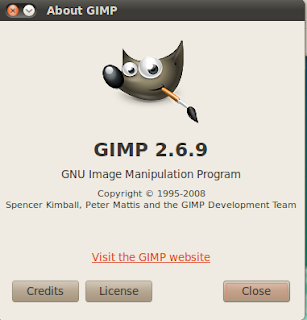
Ubuntu: GIMP new version 2.6.9


GIMP is a open source programme. A new version 2.6.9 is released. It is better than photoshop.

How to install the new version in ubuntu?

Type the following in terminal and add in software source

sudo add-apt-repository ppa:ferramroberto/linuxfreedomlucid


sudo apt-get update

If you already installed, type the following in terminal

sudo apt-get upgrade


New installed, type the following in terminal

sudo apt-get install gimp
It is a cross platform programme, a window version is also available

Friday, June 25, 2010

Ubuntu: How to install new version of VLC

Now new version of VLC 1.1.0 is released. Here is the tutorials for how to install the new version

Type the following commands in terminal and add the software sources

sudo add-apt-repository ppa:c-korn/vlc && sudo apt-get update
sudo apt-get install vlc mozilla-plugin-vlc


Then go to Applications->sound & video->VLC media player


A view via web camera

Monday, June 21, 2010

Ubuntu: Auto hide cursor after 5 seconds

Here is the tutorials for how to hide the cursor after 5 seconds

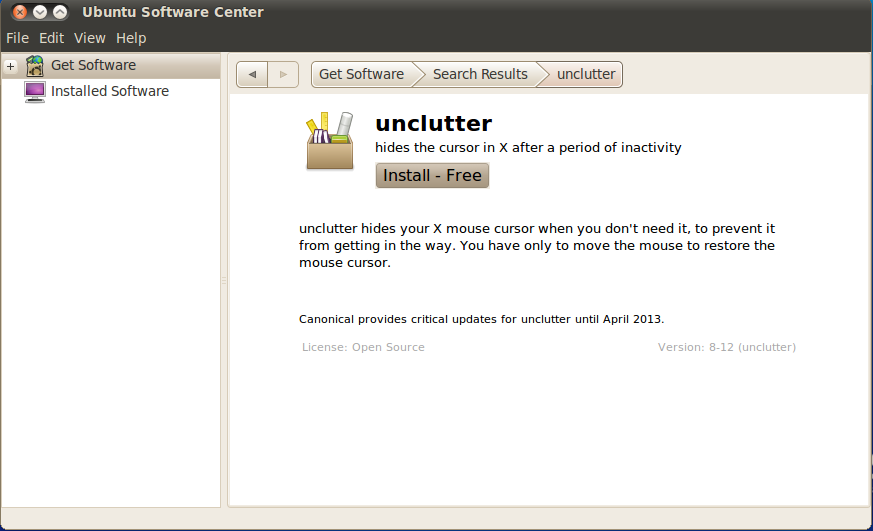
Now go to ubuntu software centre and search the programme 'Unclutter' and install it.

Applications->ubuntu software centre


For execute the programme press 'Alt+F2' . Now open the window and type the 'unclutter' in command box then press run


Restart the computer, the function is working properly.

Sunday, June 20, 2010

Ubuntu: How to beautify your bootloader using burg

Here is the tutorials for how to beautify your bootloader using burg

In terminal type the following command

sudo add-apt-repository ppa:bean123ch/burg sudo apt-get update && sudo apt-get install burg burg-themes

For install burg in master boot loader

sudo burg-install "(hd0)" Here hd0 is harddisk for installing burg

Finally

sudo udate-burg

Now restart the computer the default bootloader is colorful


For various pictures for bootloader press 't' a long list will present


Select the theme and restart


For previewing the splast image, type the following command in terminal

burg-emu

Friday, June 18, 2010

Ubuntu: How to install Ubuntu system panel

Install ubuntu system panel for easy access the ubuntu menu application,places and system.

In terminal

sudo add-apt-repository ppa:malacusp/ppa
sudo apt-get update
sudo apt-get install usp2 usp2-extras

Now add top panel, right click on top panel select add to panel and search Ubuntu system panel and select. Now the icon is appeared in top panel


Here the video for how to work ubuntu system panel